20 Mar 2026
Post by Fiona
Introduction
Activating a T-Mobile SIM card on your iPhone can seem daunting, but it’s quite straightforward when you know the steps. Whether you’re transitioning from another carrier or setting up a new iPhone, following the right procedure for SIM activation ensures seamless service. This guide will walk you through each step, from understanding compatible SIM cards to troubleshooting potential issues, setting the stage for a smooth T-Mobile experience.
Understanding T-Mobile SIM Cards
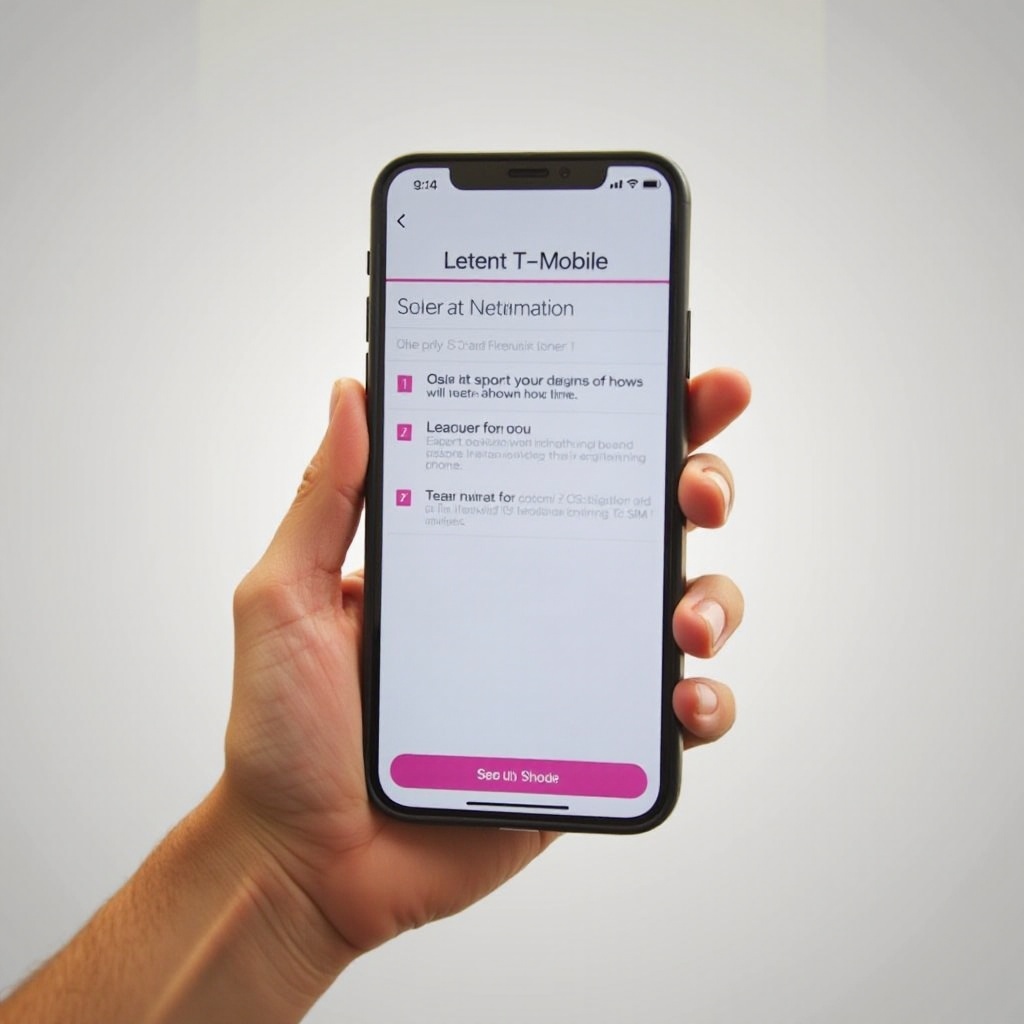
T-Mobile offers a variety of SIM cards, and knowing which one suits your iPhone is crucial for a successful activation.
- Types of T-Mobile SIM Cards: T-Mobile provides nano SIM cards, which are the smallest and most commonly used in modern iPhones.
- Compatibility with iPhones: Before activation, confirm your iPhone model supports T-Mobile’s network. Nano SIM slots are standard in newer iPhones, ensuring compatibility.
Once you’ve ensured compatibility, it’s important to prepare your iPhone to efficiently move through the activation process.
Preparing Your iPhone for SIM Activation
Preparation is key to making the activation process hassle-free. Verify your iPhone’s readiness to join the T-Mobile network.
- Checking Device Compatibility: Ensure your iPhone supports GSM networks—most models from iPhone 5 onward are suitable.
- Unlocking Your iPhone: If your device is carrier-locked, you’ll need to unlock it. Contact your original carrier for unlocking guidance if necessary.
After confirming your iPhone’s status, you’re ready to begin physically configuring your device for T-Mobile services.
Inserting the T-Mobile SIM Card
Correctly inserting the SIM is a fundamental step in the activation journey.
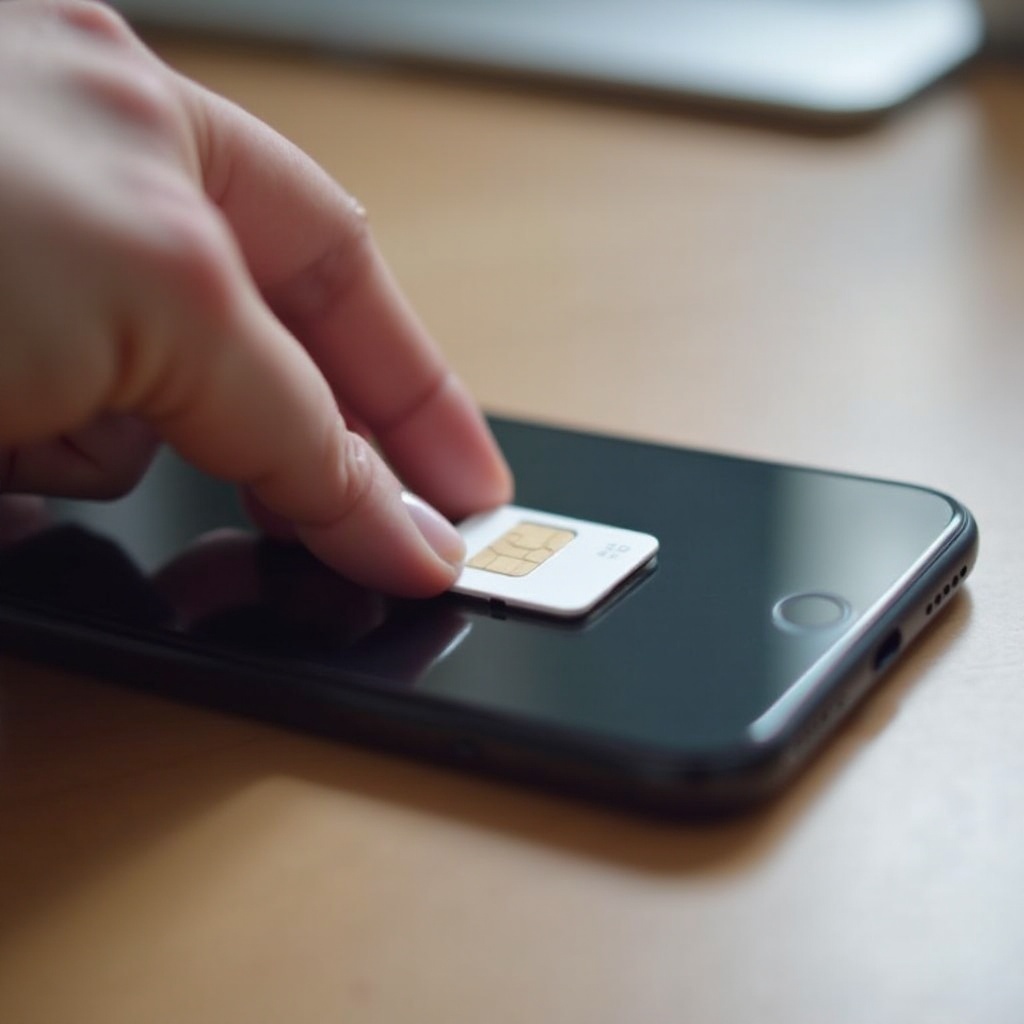
- Necessary Tools for Insertion: Use a SIM ejector tool provided with your iPhone, or use a paperclip as a substitute.
- Step-by-Step Insertion Guide:
- Locate the SIM card slot along the side of your iPhone.
- Gently insert the SIM ejector tool into the hole next to the slot.
- Carefully pull out the SIM tray and place the T-Mobile SIM card in it, ensuring alignment with the tray.
- Slide the tray back into place.
With the SIM card inserted, the focus shifts to activating your service to unlock full functionality on your iPhone.
Activating Your T-Mobile SIM Card
Several methods are available for activation, each offering a unique path to enable your device.
- Activation via iOS Settings:
- Power up your iPhone and connect to Wi-Fi.
- Open Settings and tap ‘Cellular’.
-
Select ‘Add Cellular Plan’ and follow the on-screen instructions.
-
Using the T-Mobile Website:
- Head to T-Mobile’s activation page.
- Input your phone number and essential details.
-
Proceed with the guided instructions for activation.
-
Activation Through T-Mobile Customer Service:
- Call T-Mobile or initiate a live chat on their website.
- Provide the requisite SIM and iPhone information.
- Follow the support representative’s guidance to complete the process.
If activation does not go as planned, don’t worry—solutions are readily available to address any hitches.
Post-Activation Troubleshooting
Though less common, activation issues may occur. Prompt solutions can quickly restore service functionality.
- Solving Network and Signal Issues:
- Confirm you are within T-Mobile’s network coverage area.
- Restart your iPhone, which often resolves connectivity issues.
-
Navigate to ‘Settings’, select ‘General’, then ‘About’ to update carrier settings.
-
Addressing SIM Card Errors:
- Recheck SIM placement in its tray.
- For persistent problems, engage T-Mobile customer service for resolution.
Once your iPhone is in optimal condition, take advantage of the full array of services T-Mobile provides to enrich your experience.
Maximizing Your T-Mobile Experience on iPhone
With successful activation, discover additional services and features that come with joining T-Mobile.
- Exploring T-Mobile Services: Delve into T-Mobile’s extensive data plans, international options, and exclusive deals tailored for new users.
- Accessing T-Mobile Apps: Download and utilize the T-Mobile app for managing accounts, tracking data, and accessing customer support directly from your iPhone.
After configuring these features, not only will your iPhone be active, but you can fully engage with T-Mobile’s diverse offerings.
Conclusion
Activating a T-Mobile SIM card on your iPhone is a critical step towards accessing superior mobile services. By following the comprehensive activation process above, you ensure the best experience possible. From prepping your device to troubleshooting, these steps lay the groundwork for seamless functionality on T-Mobile’s network.
Frequently Asked Questions
What should I do if my iPhone doesn’t recognize the SIM card?
Ensure the SIM card is correctly inserted. If issues continue, contact T-Mobile customer support for assistance.
Can I activate a T-Mobile SIM on a locked iPhone?
No, your iPhone must be unlocked before using a T-Mobile SIM. Contact your original carrier for unlocking instructions.
How long does it take to activate a T-Mobile SIM card?
Activation usually completes within minutes but can take up to a few hours. If delayed, reaching out to T-Mobile support is recommended.