8 May 2026
Post by Fiona
Introduction
A spotless keyboard is crucial for both hygiene and performance. Accumulated dust and grime can hinder functionality and harbor germs. This guide will walk you through the steps to effectively clean your Logitech keyboard, ensuring it functions like new.

Essential Cleaning Tools and Materials
Before diving into the cleaning process, gather these essential tools:
- Microfiber cloths: Soft enough to gently cleanse surfaces without scratches.
- Compressed air: Handy for expelling dust and particles between keys.
- Keycap puller: Necessary for safely removing keycaps without damage.
- Mild cleaning solution: Preferably a mixture of water and electronics-safe liquid.
These tools will make the cleaning process smooth and thorough, addressing different aspects of your keyboard.
Initial Preparations for Cleaning
Start by safely powering down your computer and unplugging the Logitech keyboard. Set up a clean, flat workspace to lay out the keyboard and cleaning tools conveniently. Doing this preparation ensures a straightforward, worry-free cleaning process.
Surface Cleaning Techniques
Now that your workspace is set, begin cleaning:
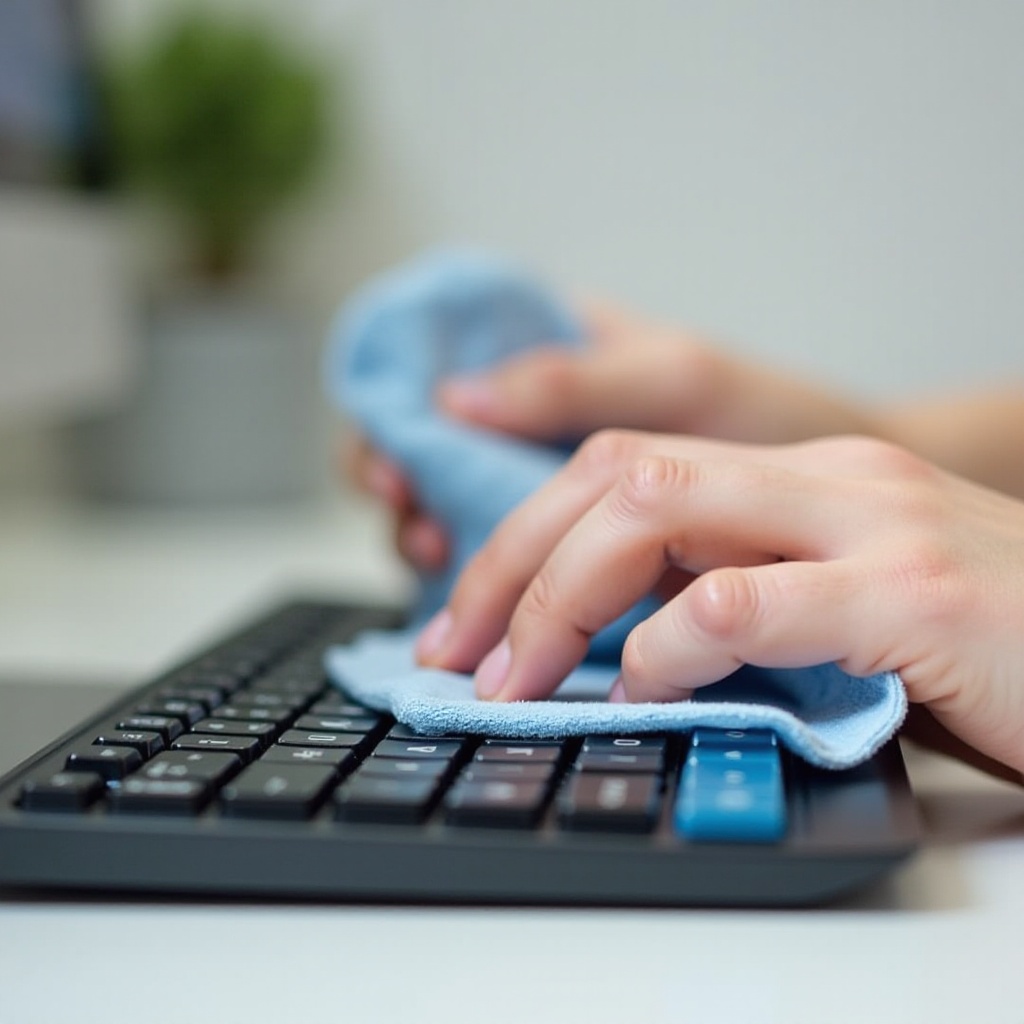
- Microfiber Cloth Method:
- Lightly moisten a microfiber cloth with the cleaning solution.
-
Gently wipe the keyboard surface to remove loose dirt and oil spills.
-
Compressed Air Method:
- Hold the can upright and spray air between keys.
- Use short, controlled bursts to prevent moisture accumulation.
Once surface dirt is cleared, move on to the more intricate cleaning steps.
Removing Keycaps for Deep Cleaning
For comprehensive cleaning, removing the keycaps is optimal:
- Employ a keycap puller to avoid damage.
- Gently pull each keycap, taking care to keep them organized for easy reassembly.
With each keycap removed, you’ll have access to areas that often harbor more stubborn debris.
Cleaning Keycaps Thoroughly
Focus on cleaning each keycap individually:
- Prepare a warm water and mild soap solution.
- Soak the keycaps for 5 to 10 minutes to loosen grime.
- Use a soft brush to scrub gently.
- Rinse each keycap and allow them to dry completely before reassembly.
While the keycaps dry, proceed to clean the keyboard base where they were mounted.
Detailed Cleaning of Keyboard Base
After keycap removal, direct attention to cleaning the base:
- Use a slightly damp microfiber cloth to wipe down the keybed.
- For crevices, employ a small brush or cotton swab.
Detailed cleaning of the keyboard base is crucial to avoid long-term dirt buildup, which can affect key sensitivity.
Disinfecting the Keyboard
Disinfection is essential to eliminate any lingering bacteria:
- Opt for electronic-compliant antibacterial wipes or solutions.
- Carefully disinfect the entire keyboard surface, focusing on high-contact keys.
Proper disinfection helps in maintaining a healthy typing environment, especially in shared or high-use scenarios.
Reassembling and Testing Your Keyboard
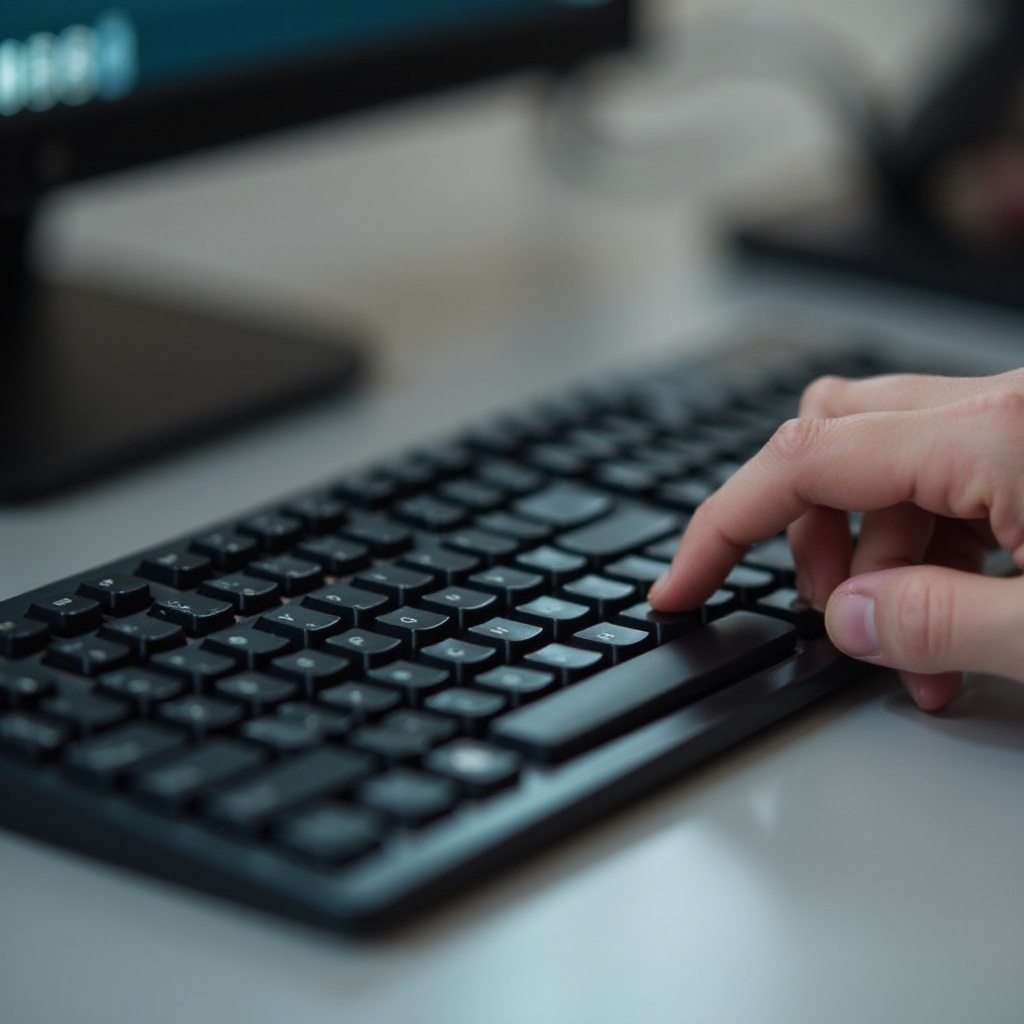
Post-cleaning, reassemble your keyboard:
- Methodically replace each keycap, ensuring they fit snugly.
- Confirm that all keys press smoothly and are in the correct positions.
Testing your keyboard ensures everything is in working order and ready for use.
Tips for Maintaining Keyboard Cleanliness
To keep your keyboard clean and extend its lifespan:
- Schedule weekly surface cleanings to prevent buildup.
- Keep food and drinks away from your desk area.
- Consider using keyboard covers to protect against debris.
These preventative measures will make future cleaning tasks less frequent and more manageable.
Conclusion
Regularly cleaning your Logitech keyboard enhances its performance and hygiene. By following these steps, you ensure your device stays in peak condition and lasts longer. A cleaner keyboard also offers a more pleasing and healthier user experience.
Frequently Asked Questions
Can I clean my Logitech keyboard without removing the keycaps?
Yes, use surface cleaning and compressed air methods for a quick clean.
How often should I clean my Logitech keyboard?
Give it a light cleaning weekly and a comprehensive clean every few months.
Is it safe to use water to clean my Logitech keyboard?
Use water sparingly and ensure no liquid enters the internals. Fully dry before reassembly.