12 Jun 2026
Post by Fiona
Introduction
Apple Watches are indispensable, providing seamless access to important information and features. However, screen issues can seriously affect usability. This guide helps you identify and resolve typical screen issues, such as cracks or unresponsive displays, ensuring your Apple Watch remains functional and reliable.
Understanding Common Apple Watch Screen Problems
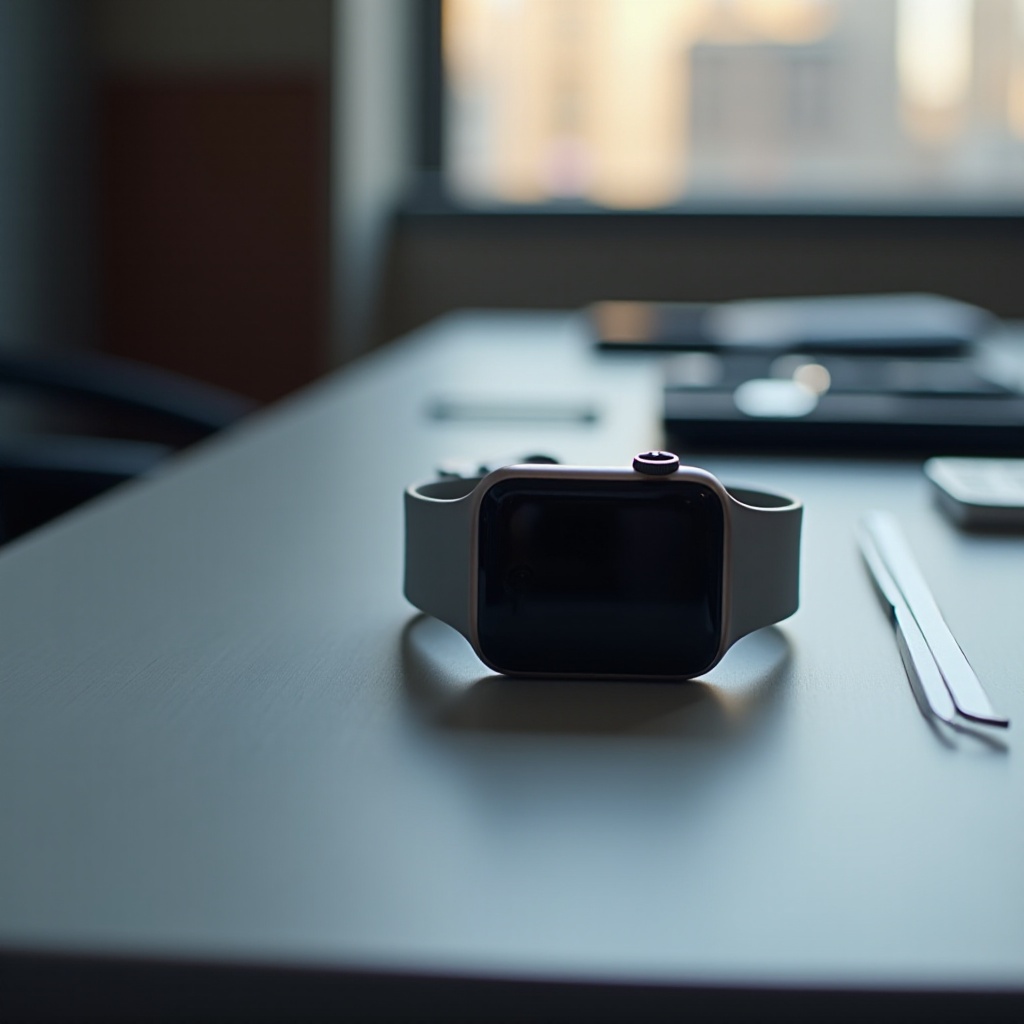
Screen issues on Apple Watches can range from minor inconveniences to major disruptions. Whether it’s a cracked surface or a touch screen that won’t respond, understanding the underlying cause is crucial.
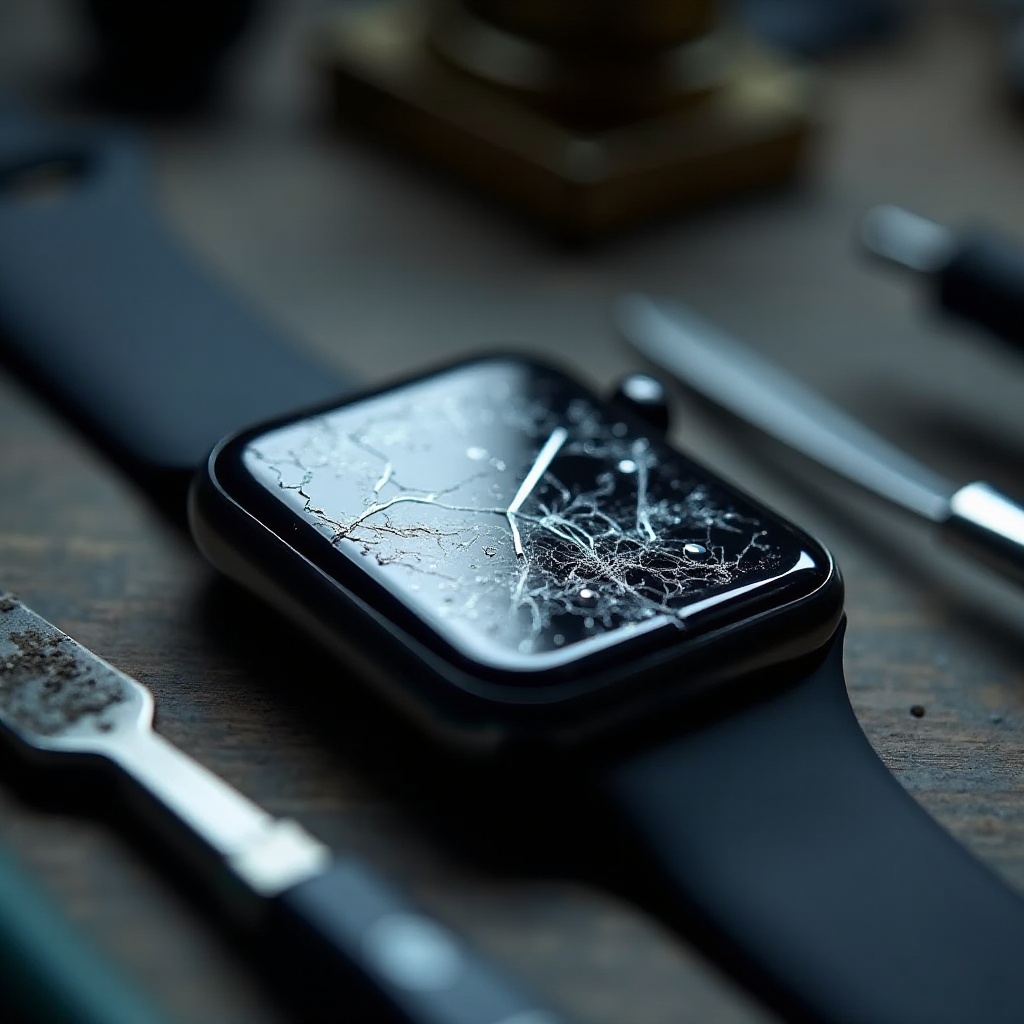
- Cracked or Shattered Screens: Physical impacts usually cause cracks. Evaluating the severity is essential before pursuing repair options.
- Unresponsive Touch Screens: This can be due to software glitches or hardware problems. We’ll outline effective troubleshooting methods.
- Display Discoloration or Dead Pixels: In some cases, cleaning or professional intervention might be the solution.
By recognizing the problem, you can choose the best remedial approach, determining whether to handle it independently or seek professional support.
Preliminary Checks Before Repair
Performing some basic checks can save time and effort before committing to repairs.
- Restart Your Apple Watch: Power down the watch completely, wait a few seconds, and power it back on. This often clears minor software hiccups.
- Update watchOS: Ensure your device runs the latest operating system. Access the Apple Watch app on your iPhone, go to ‘General,’ then ‘Software Update,’ and follow the instructions.
- Check for App-Related Issues: Sometimes, non-responsive screens originate from faulty apps. Reinstall any suspicious apps to test potential improvements.
These steps can help resolve software-related screen issues, setting the stage for more complex interventions if needed.
How to Fix a Cracked or Shattered Apple Watch Screen
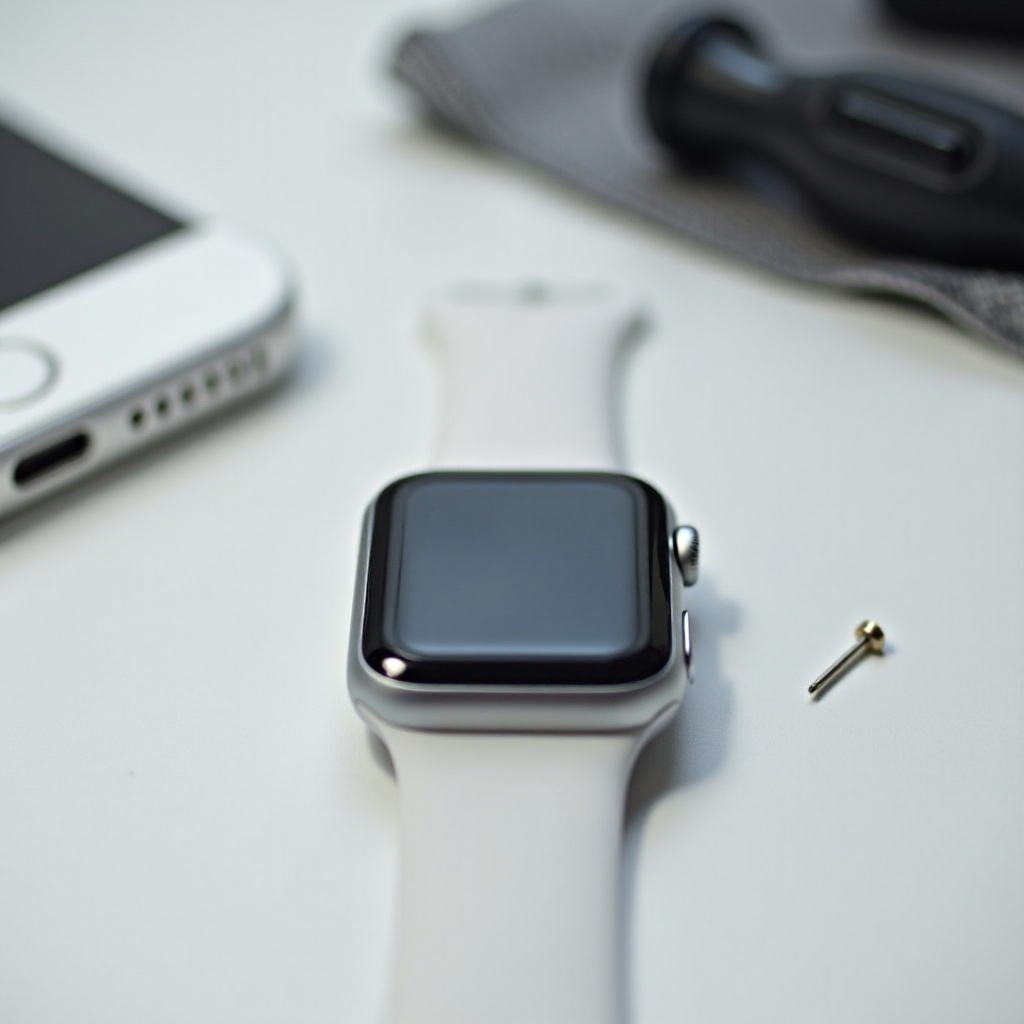
Cracked or shattered screens need more intervention than software updates, requiring careful consideration of options.
- Assess the Damage: Check if the screen is still functional. Minor cracks may not impede usability, but severe damage typically demands fixing.
- Apple’s Official Repair Services: If your watch is under warranty or covered by AppleCare+, visit an Apple Store or authorized service provider for professional repairs.
- Consider Third-Party Repair Options: For out-of-warranty cases, reputable third-party services offer a choice. Ensure they use certified parts for optimal results.
Knowing your repair options allows you to make informed decisions balancing costs and practicality.
Fixing Unresponsive Touch Screen Issues
Unresponsive touch screens can be frustrating, but there are several ways to address this effectively.
- Force Restart Your Apple Watch: Hold both the side button and Digital Crown for at least 10 seconds until the Apple logo appears.
- Screen Settings and Configurations: Verify settings like touch sensitivity through the watch settings to ensure proper configuration.
- Perform a Factory Reset: If all else fails, consider a factory reset. Ensure to back up any data as this erases your watch’s content.
These methods can help restore touch screen functionality, although persistent problems may indicate deeper hardware issues requiring professional attention.
Addressing Display Discoloration or Dead Pixels
Visual problems call for targeted solutions.
- Screen Cleaning Techniques: Use a microfiber cloth to gently clean the screen, eliminating any stuck particles that might affect the display.
- Pixel Test Apps and Tools: Utilize third-party applications to identify and potentially fix dead pixels on your watch’s display.
- When to Seek Professional Assistance: If cleaning and tests yield no results, seeking professional help for a detailed diagnosis is advisable.
This ensures a vibrant, clear display, preserving both functionality and aesthetics.
DIY Repair Kits: Pros and Cons
Exploring DIY repair kits presents benefits and risks worth considering.
- Pros and Cons: DIY kits can save money, yet improper use might void warranties or exacerbate problems.
- Recommended Tools and Kits: Opt for comprehensive kits that include quality tools and thorough instructions.
- Step-by-Step Guide for Screen Replacement: Carefully follow tutorials to minimize potential pitfalls if you choose the DIY path.
These considerations guide you in deciding whether the DIY approach aligns with your proficiency and confidence level.
Preventive Measures for Future Screen Protection
Prevention is always better than repair. Keep your device safe with these measures:
- Best Screen Protectors for Apple Watch: Invest in reputable screen protectors to shield your display from impact.
- Tips for Avoiding Physical Damage: Be mindful of wearing your watch in potentially harmful situations.
- Regular Maintenance Practices: Maintain cleanliness and regularly update software to extend your Apple Watch’s lifespan.
Implementing these steps will help you avoid future screen issues, keeping your device in prime condition.
Conclusion
Tackling Apple Watch screen issues promptly ensures smooth operation and device longevity. Whether performing minor fixes or seeking professional assistance for significant repairs, this comprehensive guide provides the knowledge needed to confidently resolve screen issues.
Frequently Asked Questions
How much does it cost to fix an Apple Watch screen?
Costs vary by model and repair provider but typically range from $150 to $300.
Is it worth getting a third-party repair for my Apple Watch?
While cheaper, ensure they use quality parts to avoid compromising functionality.
How can I prevent my Apple Watch screen from getting damaged?
Use screen protectors and handle your device carefully to minimize risks.