26 Dec 2025
Post by Fiona
Introduction
Facing a black spot in your smartphone camera can ruin your snapshots and memories. This pesky problem is all too common among phone users, affecting photo quality substantially. Luckily, tackling this issue is within anyone’s reach. In this guide, we’ll break down the common causes of black spots, guide you through diagnosis, and offer solutions that vary from quick fixes to more involved repairs. By the end of this read, you’ll know how to keep your camera spot-free and maintain photo perfection.
Understanding the Causes
Before diving into solutions, you need to understand why black spots appear in the first place. Several factors can contribute to this issue:
- Physical Damage: Your phone’s camera can be sensitive to drops or pressure, which might damage internal components such as the lens or sensor.
- Dust and Debris on Lens: Particles on the lens can easily show up as black spots in your photos and videos, distorting the intended image.
- Software Malfunctions: Sometimes, bugs or glitches post-update may interfere with how your camera processes images, leading to mysterious black spots.
Armed with this understanding, you’re better equipped to recognize and remedy the issue when it arises.
Diagnosing the Problem
Once you’ve identified the reasons behind the black spots, it’s essential to diagnose whether the issue lies with hardware or software. A proper diagnosis ensures you choose the most effective repair strategy:
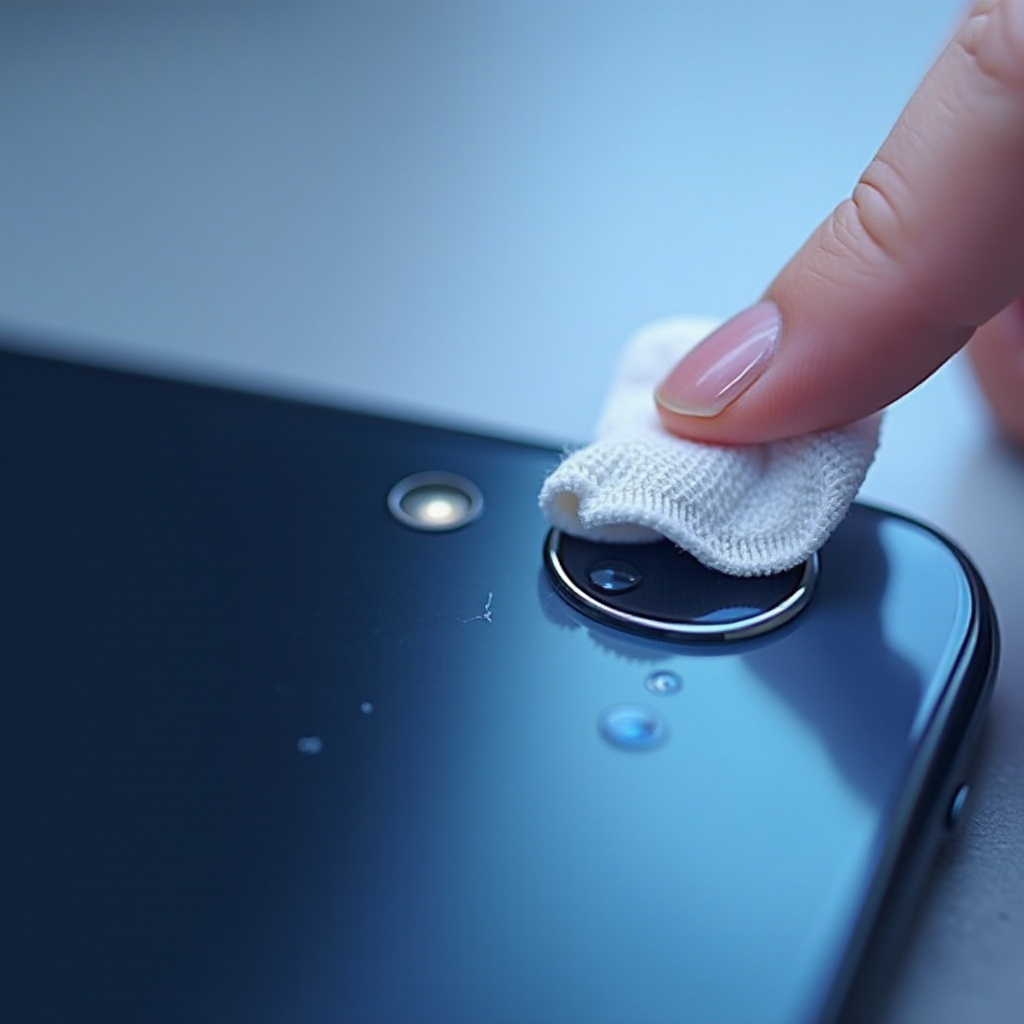
- Checking for External Obstructions: Start by examining the camera lens for any visible blemishes or dust. A gentle clean with a microfiber cloth can often clear up the problem.
- Testing with Multiple Camera Apps: Open various camera applications to check for consistency in the appearance of the spots. Different performance across apps can indicate a software problem.
- Identifying Hardware vs. Software Issues: Consider restarting your phone and resetting camera settings. If the black spots are absent after a reset, software is likely the culprit.
By thoughtfully diagnosing, you can better tailor your steps to eradicate the black spots effectively.

Immediate Solutions for Black Spots
Now that you’ve diagnosed the problem, explore these immediate solutions to clear those black spots:
- Cleaning the Camera Lens Safely: Use only a microfiber cloth to clean your camera lens. The delicacy of the lens demands gentle care, avoiding harsh chemicals at all times.
- Resetting Camera Settings: Reverting your camera settings to their defaults can resolve minor glitches. This step is crucial if recent changes or updates coincide with the issue’s appearance.
- Updating Software and Apps: Always keep your phone’s operating system and camera apps up-to-date. Updates can fix existing bugs that might cause black spots to appear.
These steps are straightforward and often effective, but if they don’t solve the issue, consider more advanced techniques.
Advanced Fixes When Problems Persist
When immediate solutions fail to solve the problem, turn to these advanced fixes:
- Using Professional Cleaning Kits: Some dirt or debris may be beyond the reach of a regular cleaning cloth. Professional cleaning kits are designed to safely attend to these more stubborn buildups.
- Sensor and Lens Repair Options: Contact your phone’s manufacturer or visit a certified repair shop. They can assess and, if necessary, repair or replace damaged sensors or lenses.
- Consulting with Professional Technicians: If DIY methods prove insufficient, a professional technician can diagnose and repair complex issues using specialized tools and expertise.
Taking these advanced steps might save your phone from irreparable damage, ensuring the camera performs at its best.
Preventive Measures to Avoid Future Issues
Now that you’ve tackled the black spots, keeping your camera in top shape is crucial to prevent future occurrences. Here are some prevention tips:
- Proper Handling and Storage: Use a durable phone case and ensure your device is free from pockets or bags that contain sharp objects.
- Regular Maintenance Routines: Clean your phone’s camera lens with a microfiber cloth regularly to prevent dust accumulation.
- Protective Accessories for Camera: Lens protectors can provide an extra layer of defense against damage and should be considered as a simple yet effective precaution.
By integrating these habits into your routine, you ensure that your smartphone’s camera remains reliable and high-performing.
Conclusion
Addressing the black spot issue in your smartphone camera is not only achievable but can dramatically improve your photo quality. Understanding the root causes, performing accurate diagnostics, and applying the right fixes can restore your camera to pristine condition. Prevention is always better than cure, so implementing regular maintenance will help keep your camera free from blemishes, allowing you to capture life in vivid clarity.
Frequently Asked Questions
What causes black spots in phone cameras?
Black spots can be caused by physical damage, dust or debris on the lens, or software malfunctions.
Can software updates cause black spots?
Software updates can sometimes introduce bugs, but they often fix camera issues, so keeping your system updated is recommended.
How can I permanently remove black spots from my camera?
Thorough cleaning, performing software resets, and seeking professional repair if necessary, are methods to tackle and remove persistent black spots.